# Your best restaurant automation starts with a checklist
TL;DR: The fastest way to get real leverage from automation is to stop shopping for “tools” and write a boring, specific checklist of what you want to happen in your restaurant, and when. Once you have that, the software choices get obvious, and you avoid building a pile of one-off hacks.
Why a checklist beats a new tool
Most operators buy automation the same way they buy kitchen equipment. You see a shiny thing, it promises speed, you bring it home, and then you spend three months trying to make it fit your actual line.
Automation is different.
If you do not define the behaviors you want, you will end up with two outcomes:
- A stack of disconnected apps that all “work,” but never add up to a system.
- A staff that ignores it, because it does not match how service actually happens on a Friday night.
A checklist fixes both.
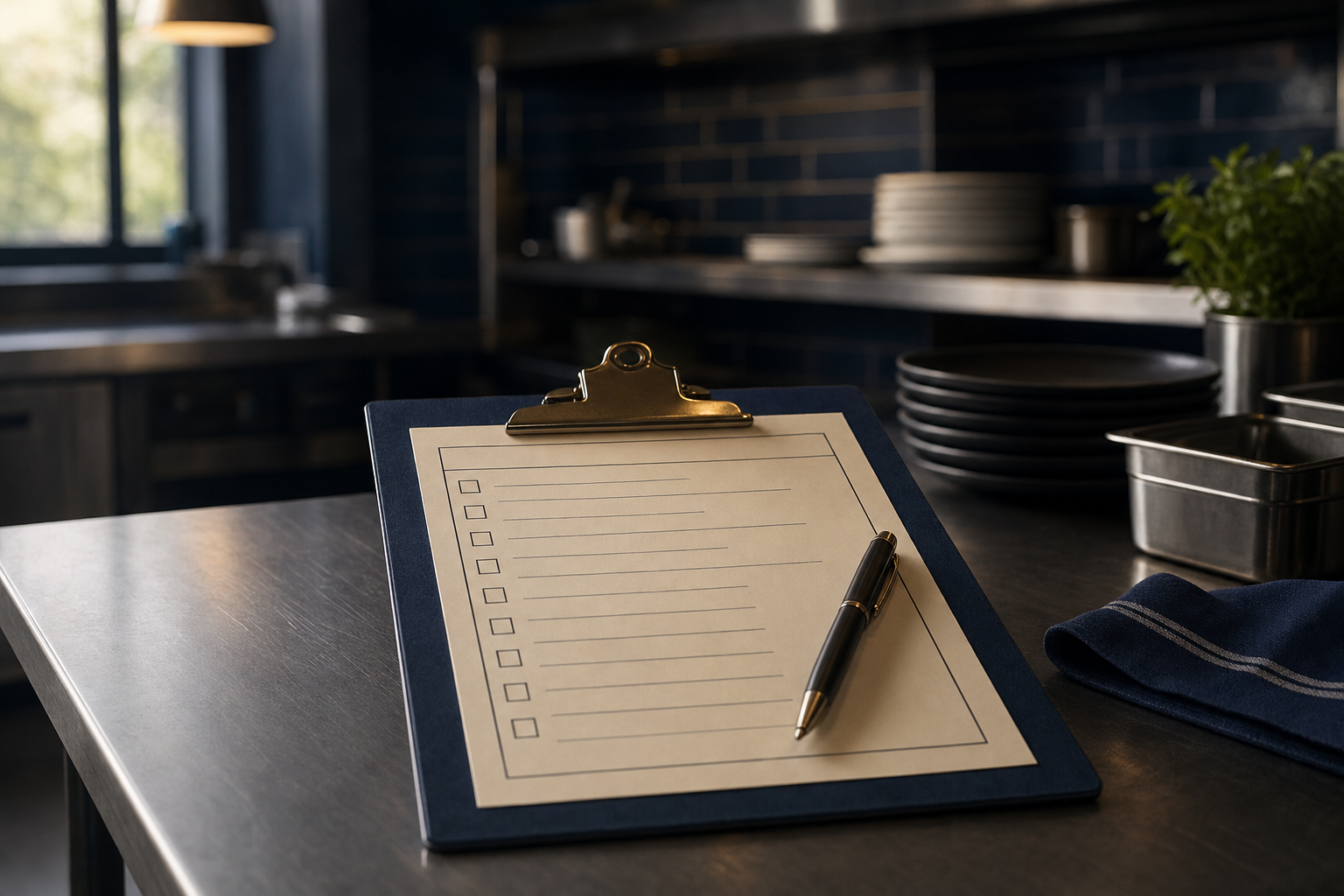
Not a “framework.” A literal list.
- When does a guest get a message, and what triggers it?
- When does a manager get a reminder, and what does it tell them to do?
- When do you ask for a review, and what happens if they say no?
- When does a lead go cold, and what is the exact win-back sequence?
If you can write those sentences in plain English, you are 80% of the way there.
Start with the moments, not the departments
Operators tend to start by automating “marketing” or “ops.” That is how the org chart thinks. Guests do not experience your org chart.
Instead, start with moments.
Here are five that show up in almost every independent restaurant.
Moment 1: A new reservation is made
Answer first: the system should confirm the booking instantly, then reduce no-shows with one clean reminder.
Checklist:
- Send confirmation immediately.
- Send reminder 24 hours before.
- Send reminder 2 hours before.
- If they cancel, ask one question, “Was it timing, price, or something else,” and store the answer.
Moment 2: A guest walks in with no reservation
Answer first: the system should capture contact info without slowing down the host.
Checklist:
- If there is a wait, offer a text update.
- If they opt in, store name, phone, and party size.
- After the visit, send one message that makes it easy to come back.
Moment 3: A guest has a bad experience
Answer first: you need a private “pressure release valve” before they turn it into a public review.
Checklist:
- Give them a simple way to respond to a post-visit message.
- If the message is negative, route it to a manager within minutes, not days.
- Log what happened, and log what you did.
The point is not to be perfect. The point is to hear about problems while you still have a chance to fix them.
Moment 4: A guest leaves a positive signal
Answer first: positive signals should trigger review requests while the experience is still fresh.
Checklist:
- If they reply “great,” send the review link.
- If they do not respond, do not chase them five times.
- If they do leave a review, thank them, and tag them as a regular.
Moment 5: A manager is supposed to do weekly hygiene
Answer first: most “operations discipline” fails because nobody gets reminded at the right time.
Checklist:
- Monday 10:00am: check upcoming covers versus staffing.
- Wednesday 2:00pm: check inventory flags.
- Friday 11:00am: confirm large party notes.
- Sunday 6:00pm: log one operational lesson from the week.
This is where automation becomes a leadership tool, not a marketing toy.
What a restaurant automation checklist actually looks like
Here is the simplest version I have seen work. Three columns.
| Moment | Trigger | What should happen | |---|---|---| | Booking | New reservation | Confirm, remind, capture notes | | Visit | Guest check-in | Welcome, record opt-in | | After | Next morning | Ask for feedback | | Reputation | Positive feedback | Ask for review | | Recovery | Negative feedback | Alert manager, log resolution | | Retention | No visit in 45 days | One win-back message |
That is it.
Once this exists, you can sit with any vendor, or any internal tech person, and have a real conversation.
Without it, you are buying vibes.
Common mistakes I see
Mistake 1: Automating what you have not standardized
If every manager handles comps differently, do not automate comps yet. Standardize the behavior first.
Automation multiplies whatever you already do. Good or bad.
Mistake 2: Over-messaging
Automation makes it easy to talk too much.
If a guest hears from you more than they hear from their friends, you have a problem.
Build the checklist so it earns the right to send a message. Make each message do one job.
Mistake 3: Treating setup like a one-time project
If your “system” needs a rebuild every time a manager quits, you do not have a system.
The checklist is also the training document. New staff should be able to read it and understand what the restaurant is trying to do.
FAQ
What is restaurant marketing automation?
Restaurant marketing automation is using software to send the right messages to guests based on what they do, like booking, visiting, or leaving feedback, without a manager manually sending every text or email.
What restaurant marketing workflows should I automate first?
Start with the workflows that reduce pain immediately: reservation confirmations and reminders, post-visit feedback capture, review requests after positive feedback, and a simple win-back message for guests who have not visited in a while.
How do restaurants avoid over-communicating with marketing automation?
Write the checklist first, then limit messages to moments that matter. One message per moment, each with a single purpose, and no long sequences unless the guest is actively engaging.
Is guest data required for restaurant marketing automation to work?
Yes, in the sense that you need permission and a way to contact the guest. But it can start small, like phone numbers collected during waitlist texts, reservation confirmations, and opt-in feedback messages.
One last note
If you want better systems, do not start by shopping.
Start by writing the checklist you would trust on a slammed Saturday night.
Jason